CACCHT Explorer · Guide
The Concordance
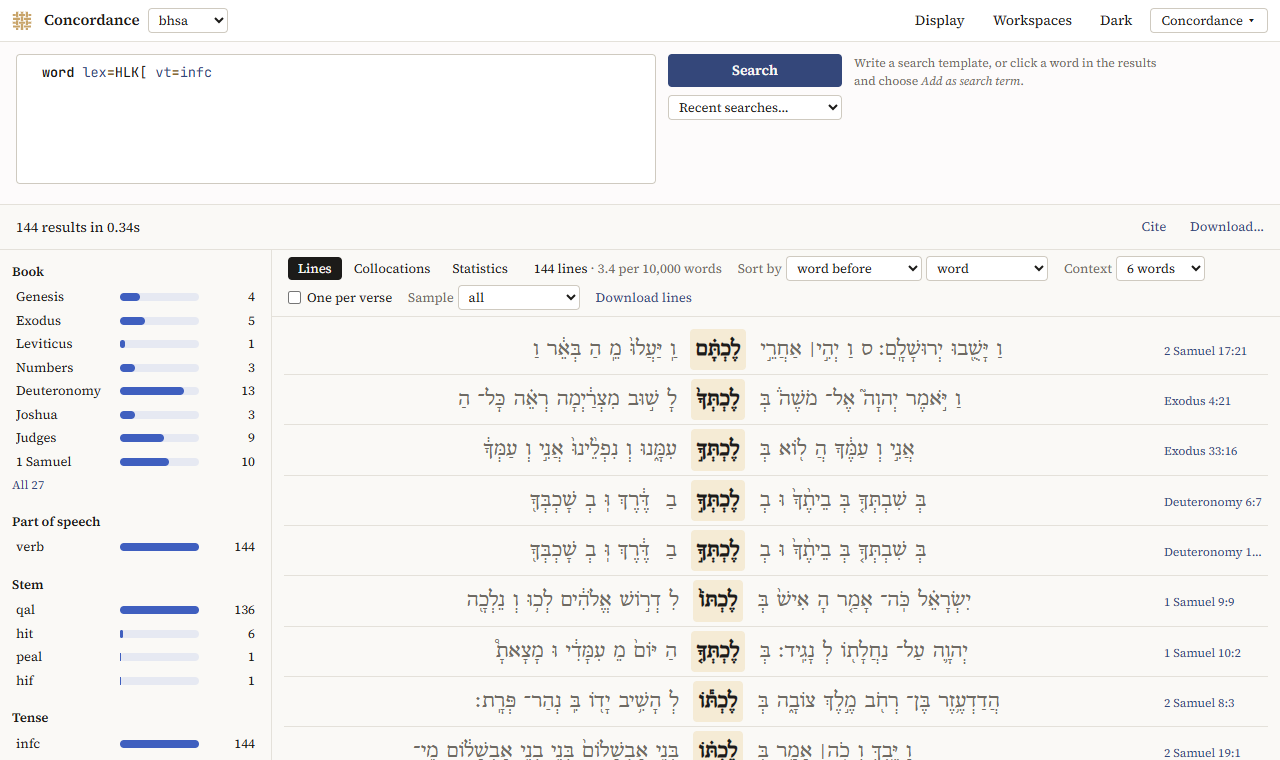
The Concordance shows the results of a search as lines, with the hit in the middle and the words before and after it on either side, as in a printed concordance. The lines can be sorted, filtered, sampled and counted, and the words that occur near the hit can be listed.
Searching
Choose the text in the box next to Concordance and write a search template, then click Search. Try … on the first page fills in an example. Recent searches… offers your last templates.
To search for words like one in the lines, click it and choose Add as search term; tick the features that count, and choose under Search terms, all in one whether the terms must be in one verse, clause or phrase. See Search terms.
The hit is the word the search found, or, when a result has several, the innermost of them (the words of a phrase, for instance).
The lines
Above the lines, the number of lines and how often that is per 10,000 words of the text.
- Sort by: result order (the order of the text), the hit itself, or a word up to three before or after it (word before, 2nd word after, …), by its form, its lexeme or its part of speech. Sorting by the word before groups the constructions the hit is used in.
- Context: 3, 6 or 10 words on each side. The context stays within the book.
- One per verse: only the first hit in each verse.
- Sample: 50, 100, 250 or 500 lines at random, to look at a large result; another draws a new sample.
- Previous and Next page through the lines.
Click a reference to read the verse in the Reader; click a word for the word panel.
For Hebrew, before is on the right of the hit, as the text runs.
Filters
On the left, the hits are counted by book, part of speech, stem, tense, person, gender, number and state (as far as the text has them). Click a value to keep only those lines; click it again to drop the filter. Filters on different features combine (the qal and Genesis); a second value of the same feature takes the place of the first. On a phone, they are under Filters.
Collocations
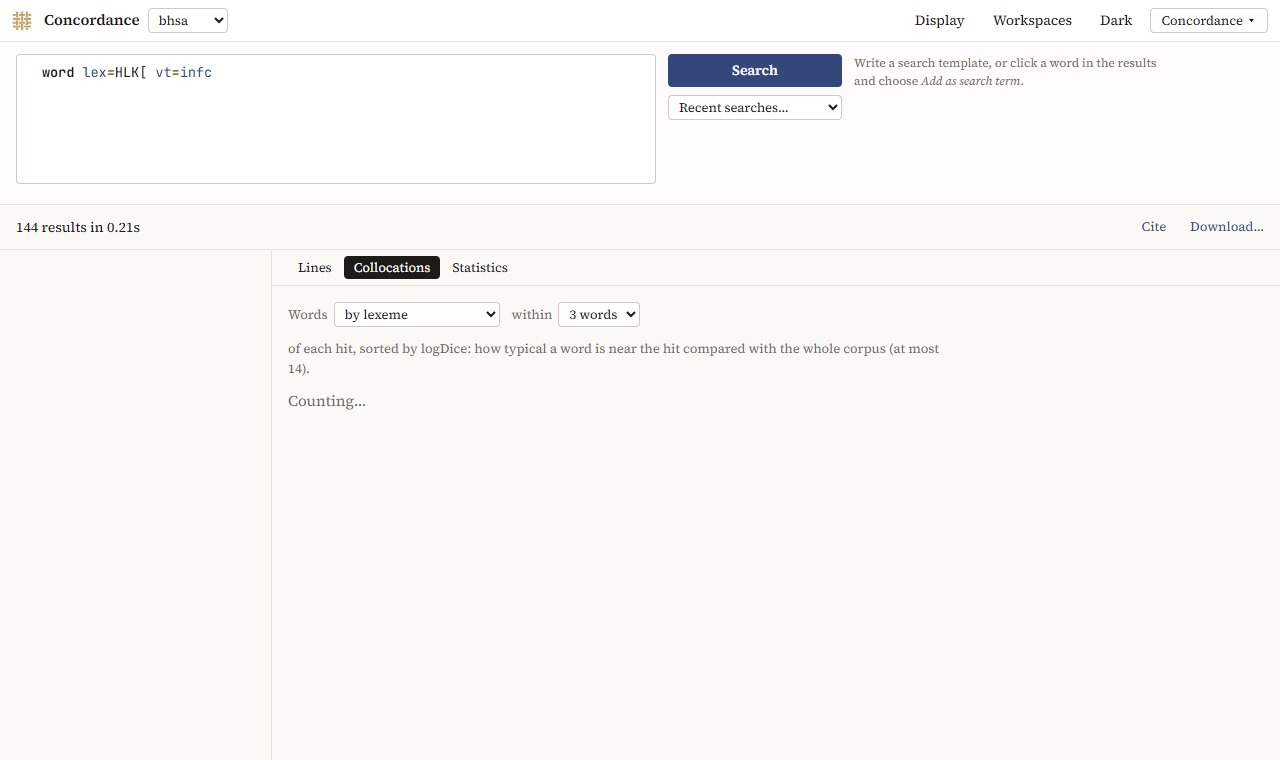
Collocations lists the words that occur near the hit more often than you would expect: Words by lexeme, by form (consonants) or by part of speech, within 1 to 5 words of each hit. They are sorted by logDice, a measure of how typical a word is near the hit compared with the whole text; 14 is the highest.
Statistics
Statistics counts the values of a feature over the results, and the results per book, as for a search.
Downloading
Download lines saves the lines as a spreadsheet (TSV), in the order and with the filters you chose, at most 20,000 lines.
Translations
The Concordance also searches a translation, such as the JPS 1917. Its words have the feature lower, the word in small letters: word lower=lord finds Lord and lord. Collocations of a translation are by word.